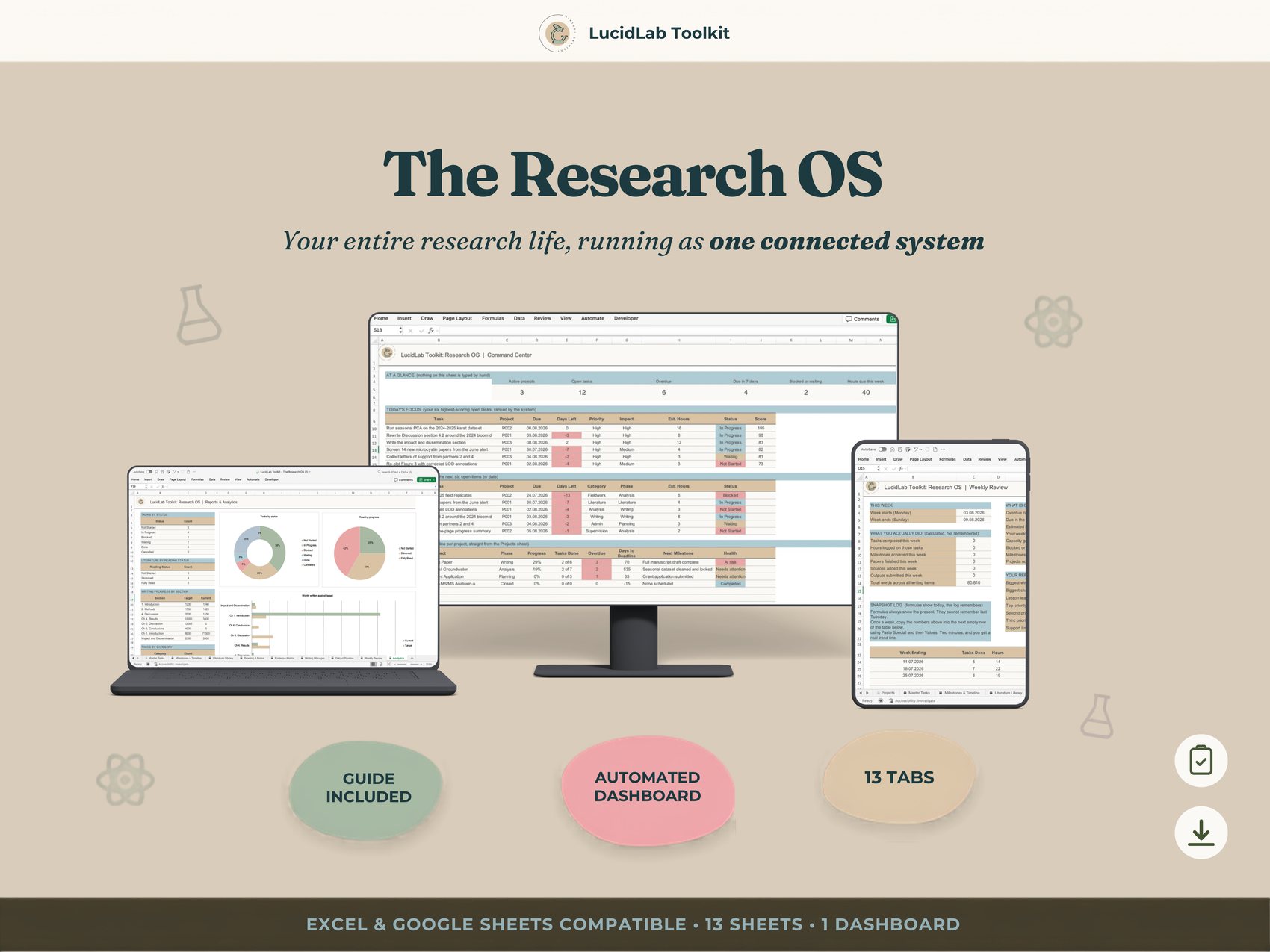
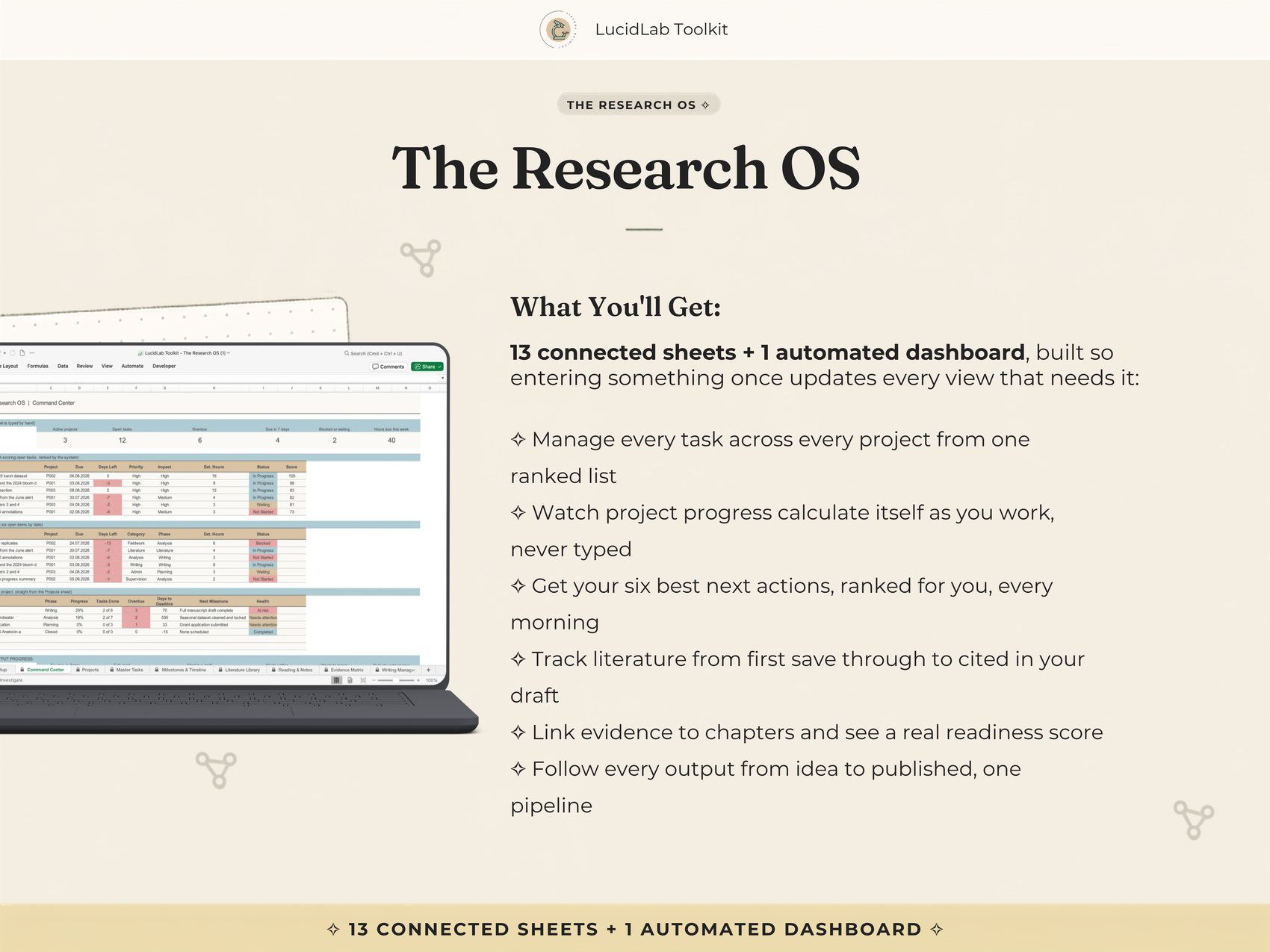
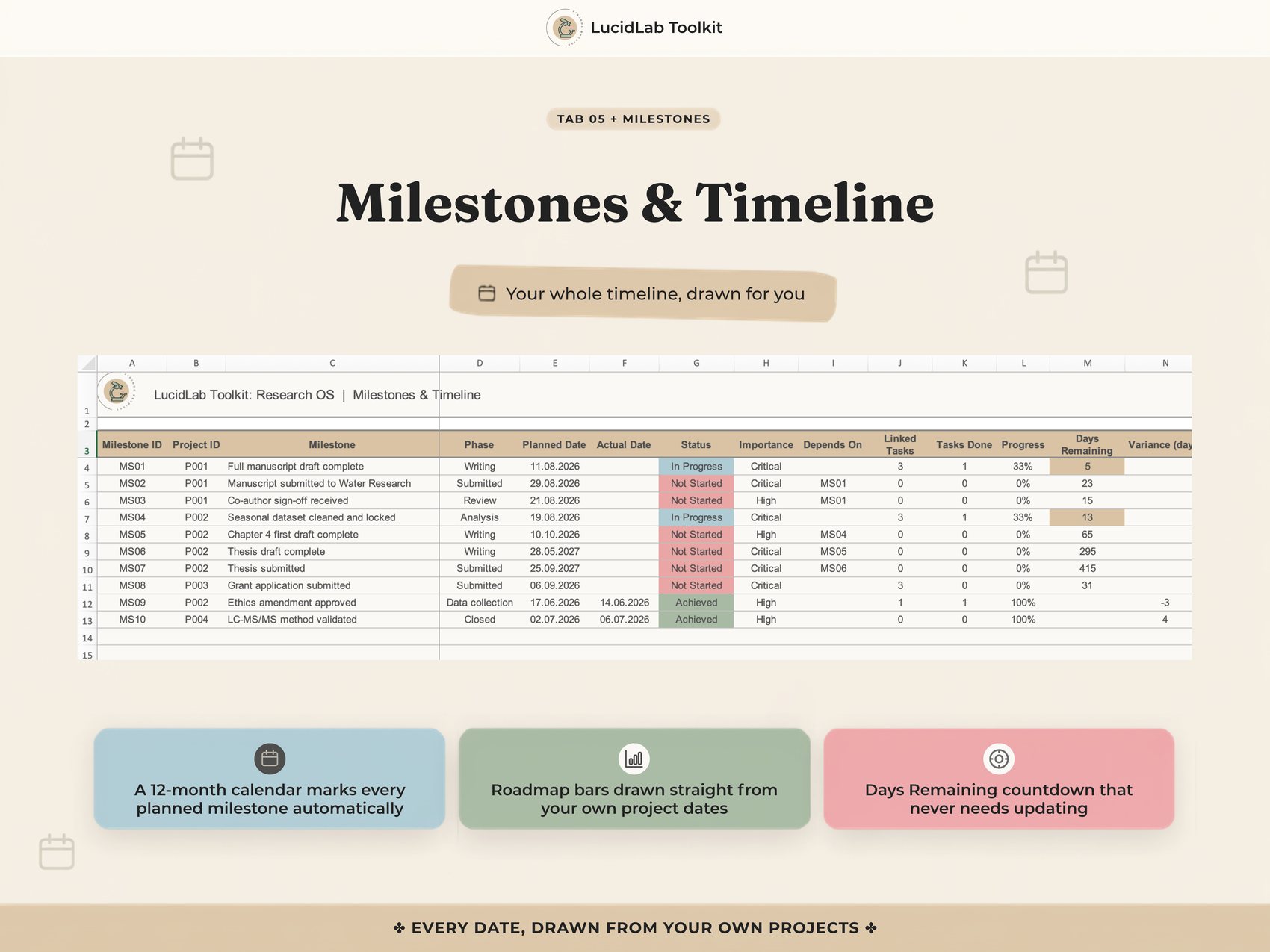
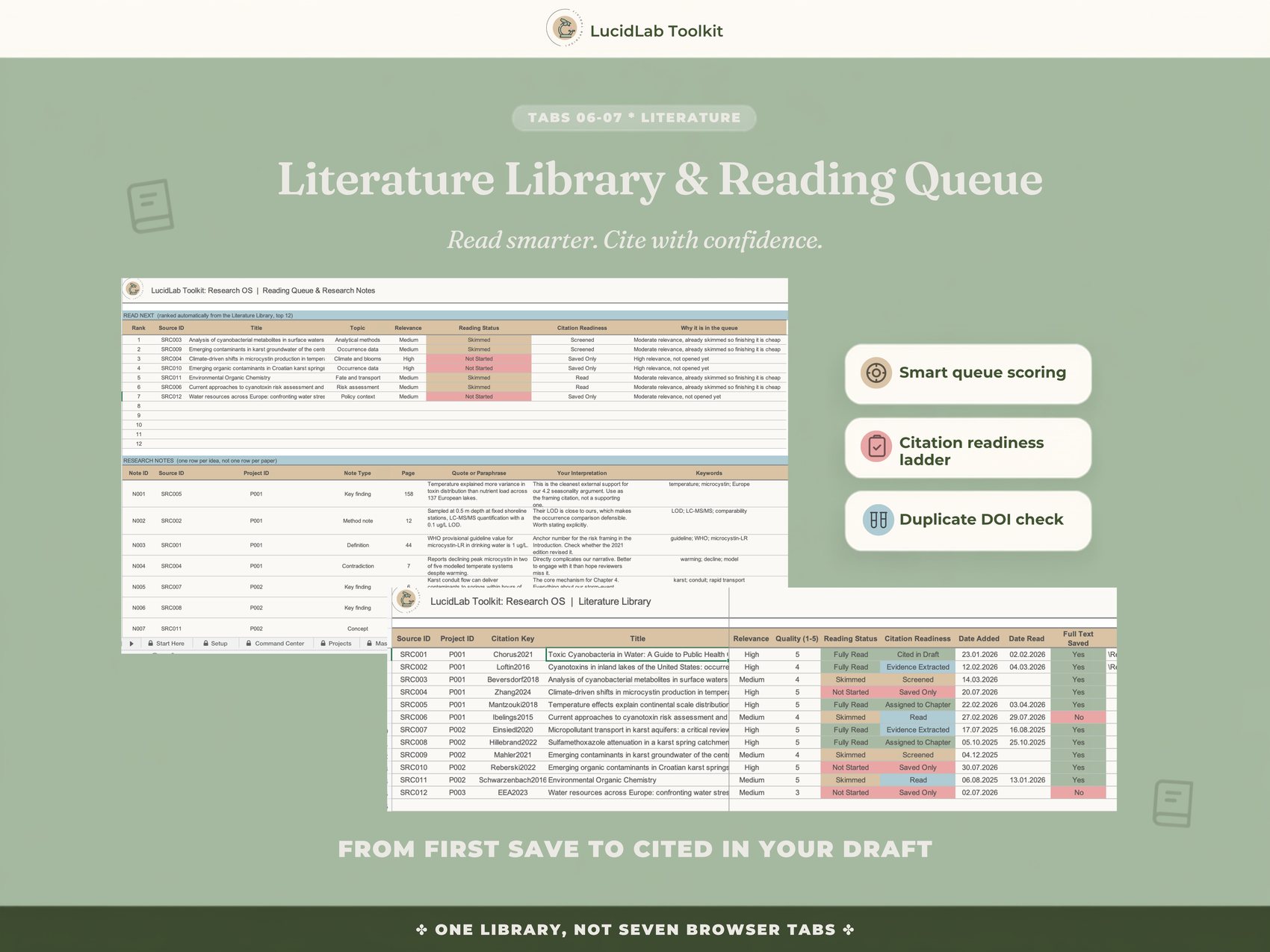
The Research OS replaces the five separate trackers most researchers end up running side by side: a task list, a reading log, a writing tracker, a deadline calendar, a publication log, with one connected system where the sheets actually read from each other.
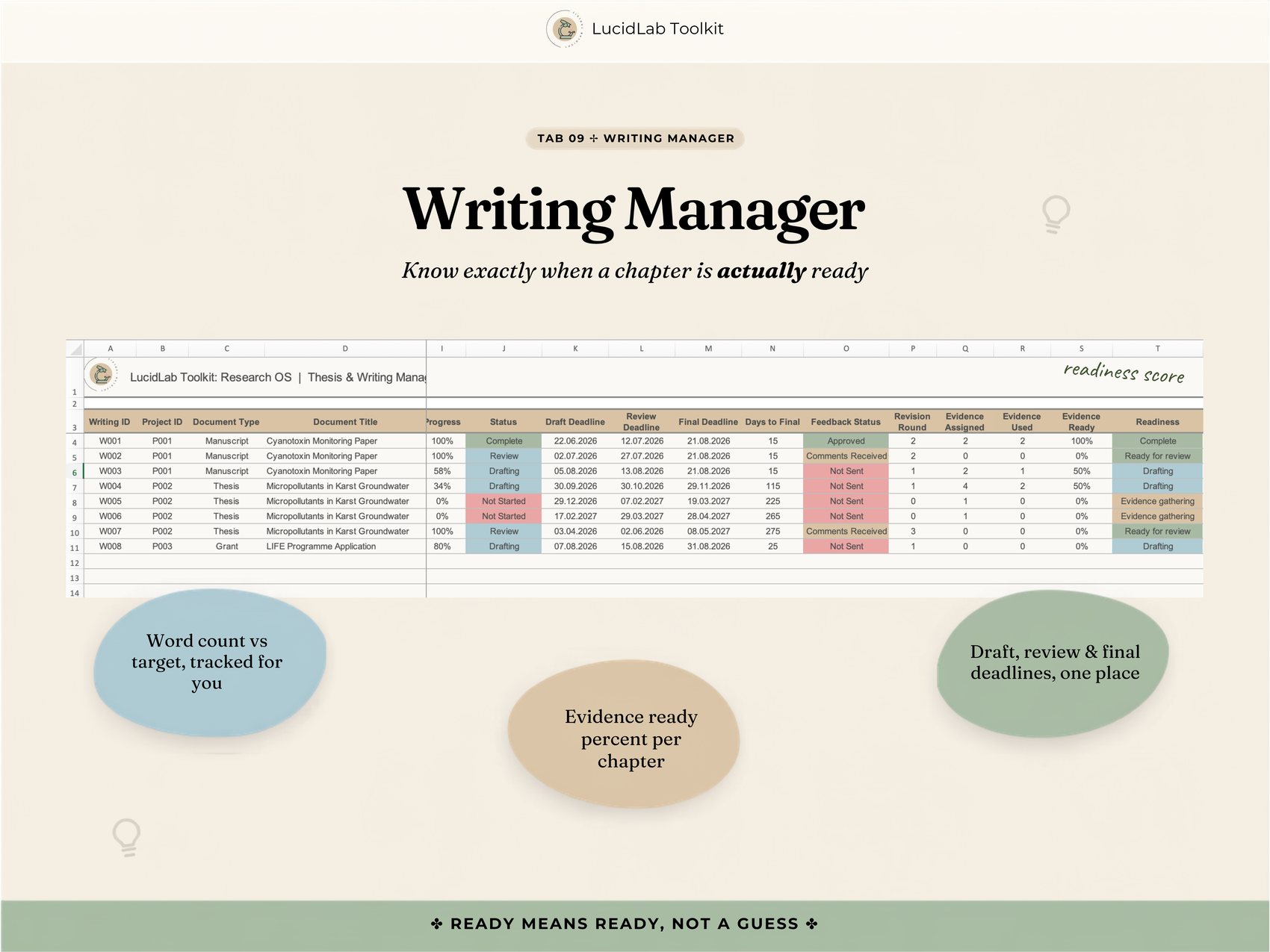
Add a task and your project's progress calculates itself. Mark a source as read and your reading queue reshuffles. Link evidence to a chapter and your Writing Manager tells you, with an actual number, how close that chapter really is. Built for PhD candidates, postdocs, and researchers running more than one project at once.
You have a task list, a reading log, and a writing tracker, and none of them know the others exist. You updated a deadline somewhere last week. You just don't remember which tab.
Your supervisor asked where the Discussion section stood, and you had to say you'd check and get back to them. That is not an answer you should have to give at your own supervisor meeting.
None of this is because you're disorganized. You are not a first-semester student who needs structure from nothing, you are someone whose organization stopped scaling. A thesis with several chapters in different states of done, a paper or two alongside it, maybe a grant application, maybe a dataset waiting on analysis, each with its own deadline and its own scattered tracking, that is a structural problem, not a personal failing.
You want to open one thing in the morning and know exactly what to do today. You want to stop being the person who manually keeps five systems in sync. That's what this system is for.
Worth knowing before checkout, not after.
Every other angle traces back to this. Not more features, one connected system.
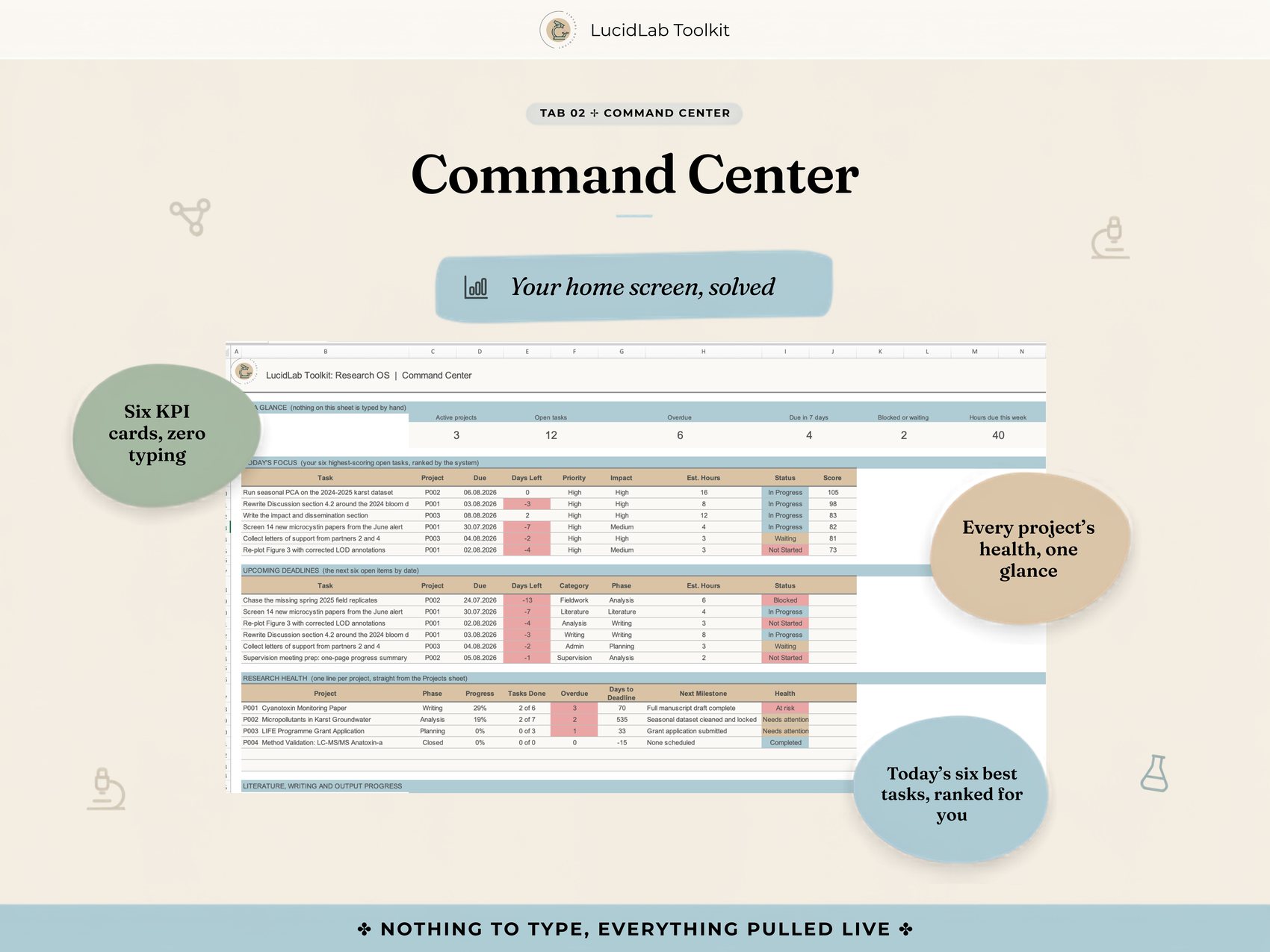
Six KPI cards, the day's six best next actions ranked automatically, upcoming deadlines, and a health check on every active project. Nothing on the Command Center is typed.
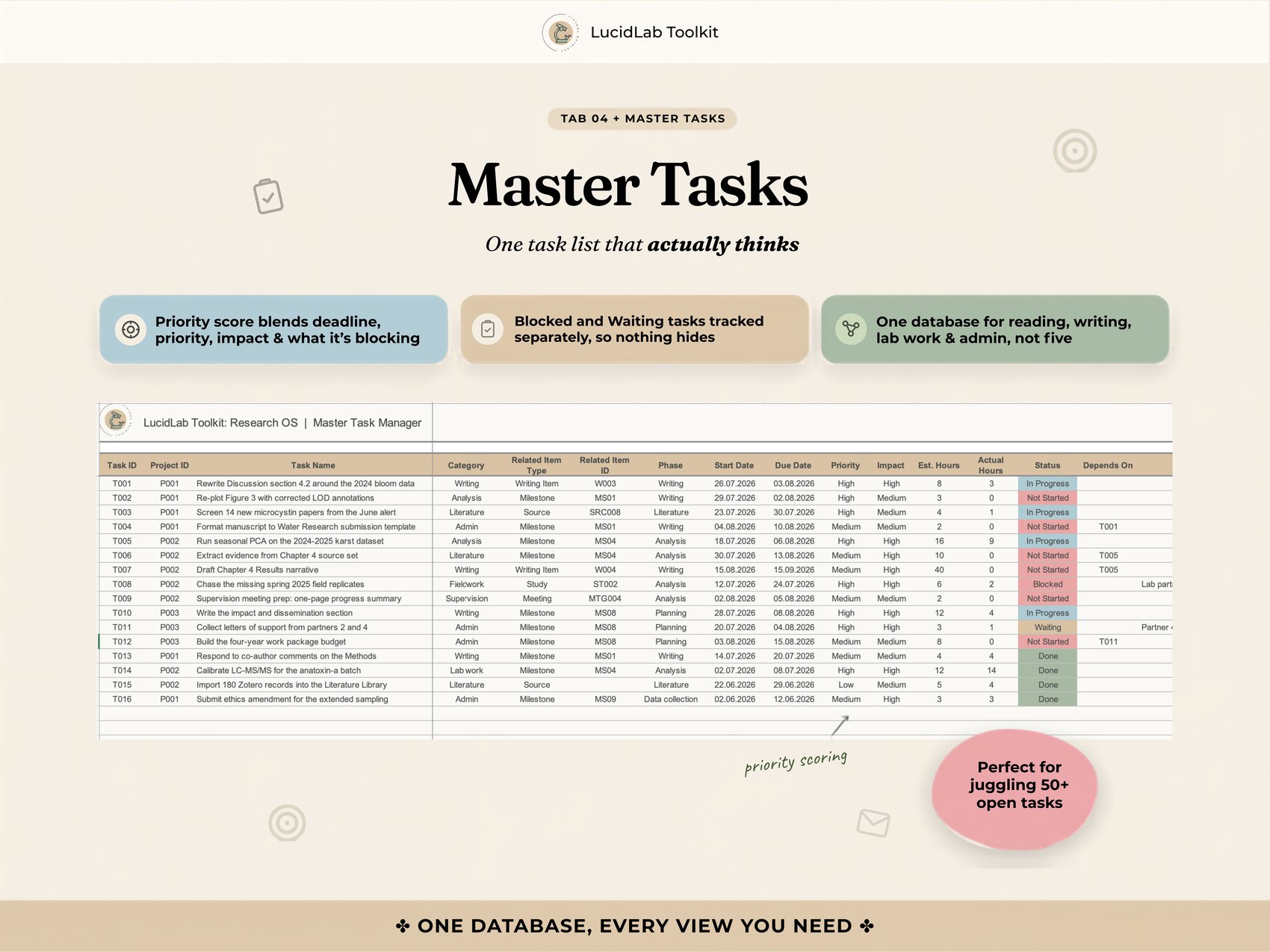
A priority score blends deadline proximity, priority, impact, and what a task is blocking, so the item at the top of your list is the one that actually matters today, not just the oldest one.
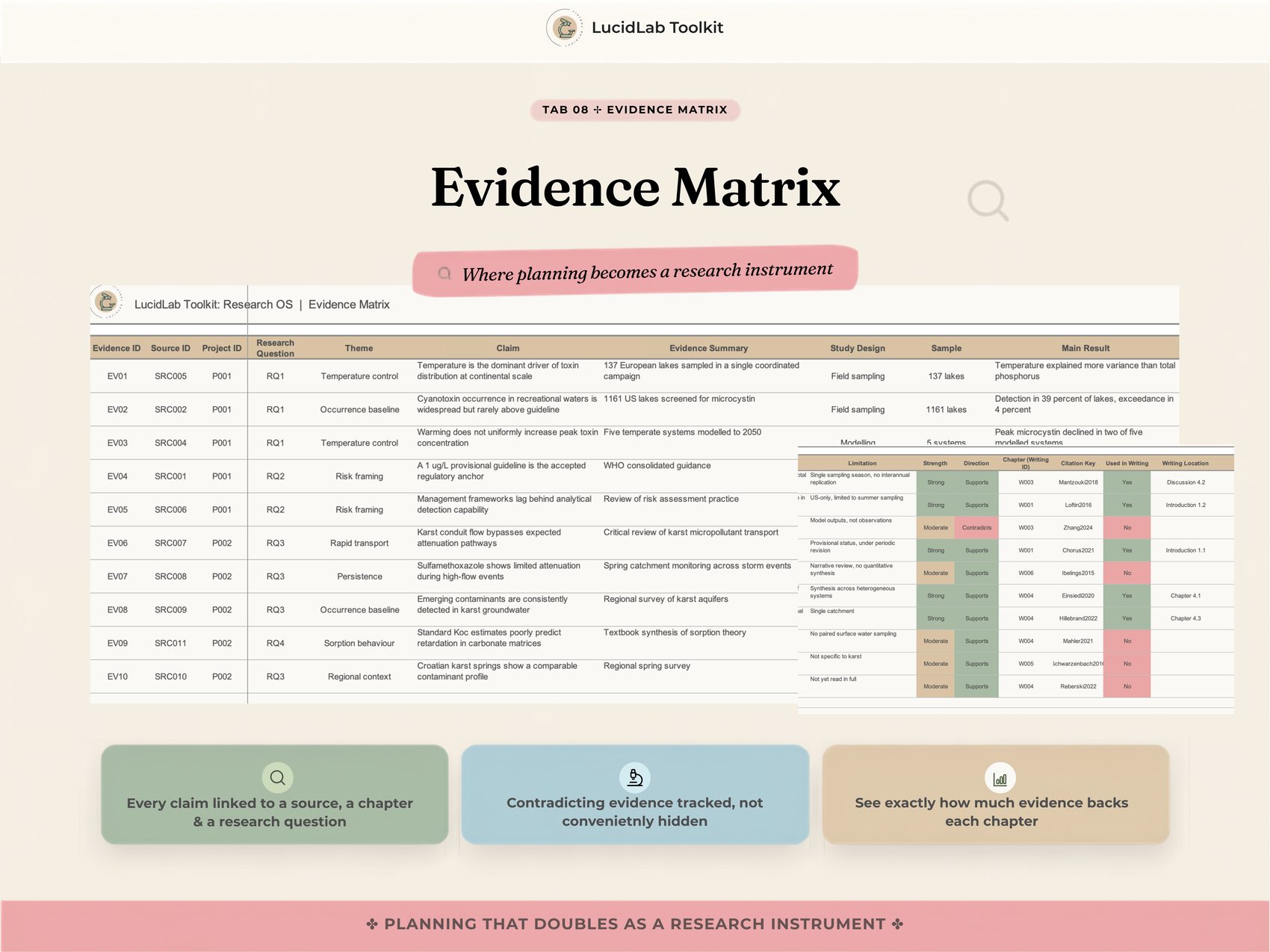
Every claim linked to a source, a chapter, and a research question, with contradicting evidence tracked instead of conveniently left out. Nobody else has this.
A chapter's readiness score is calculated from word count against target and how much evidence is actually assigned to it, so zero words with no evidence is treated as a genuinely different problem than simply not started yet.
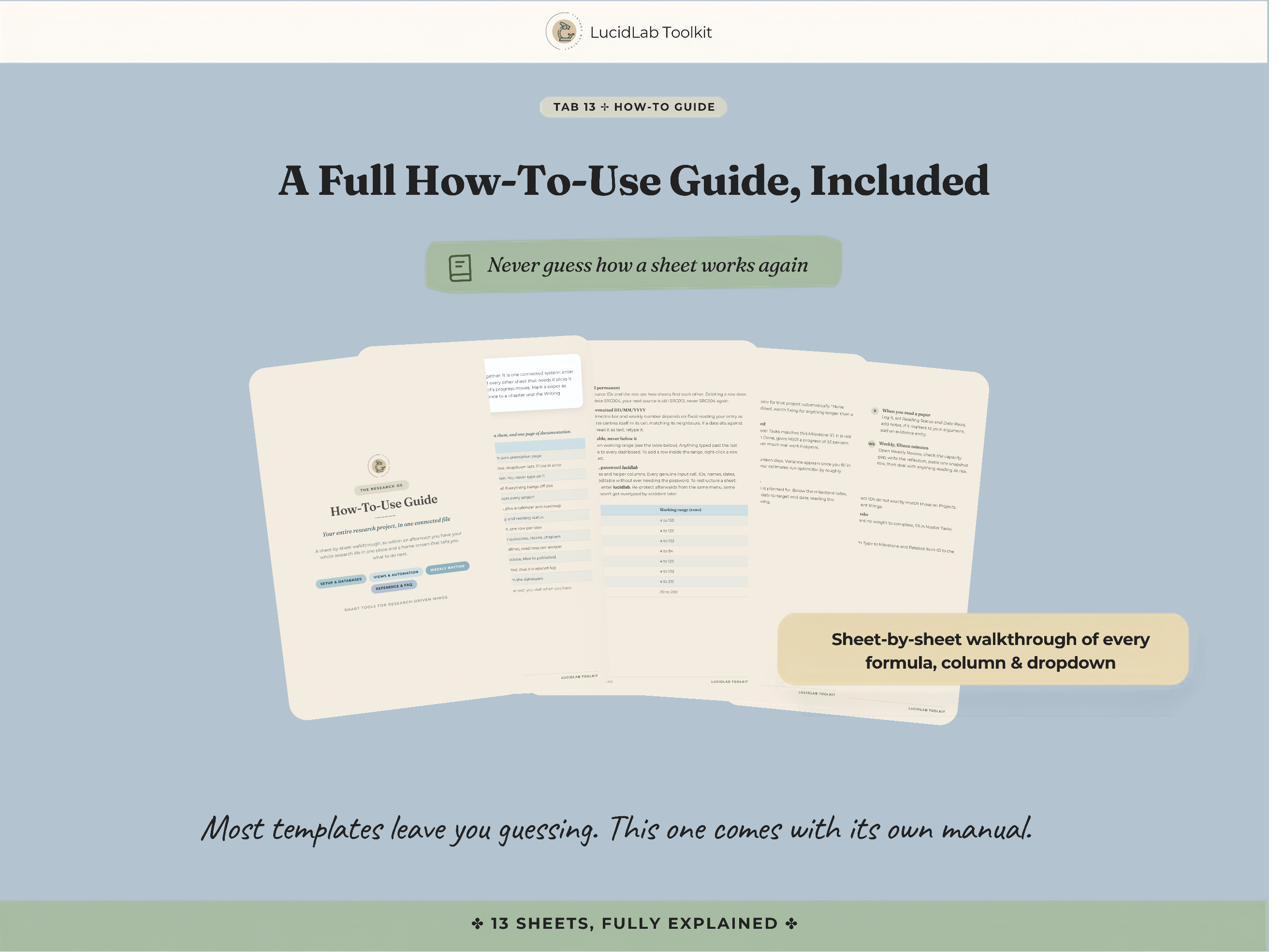
A full How-To-Use Guide, sheet by sheet, formula by formula. Most templates leave you guessing whether something is broken. This one does not.
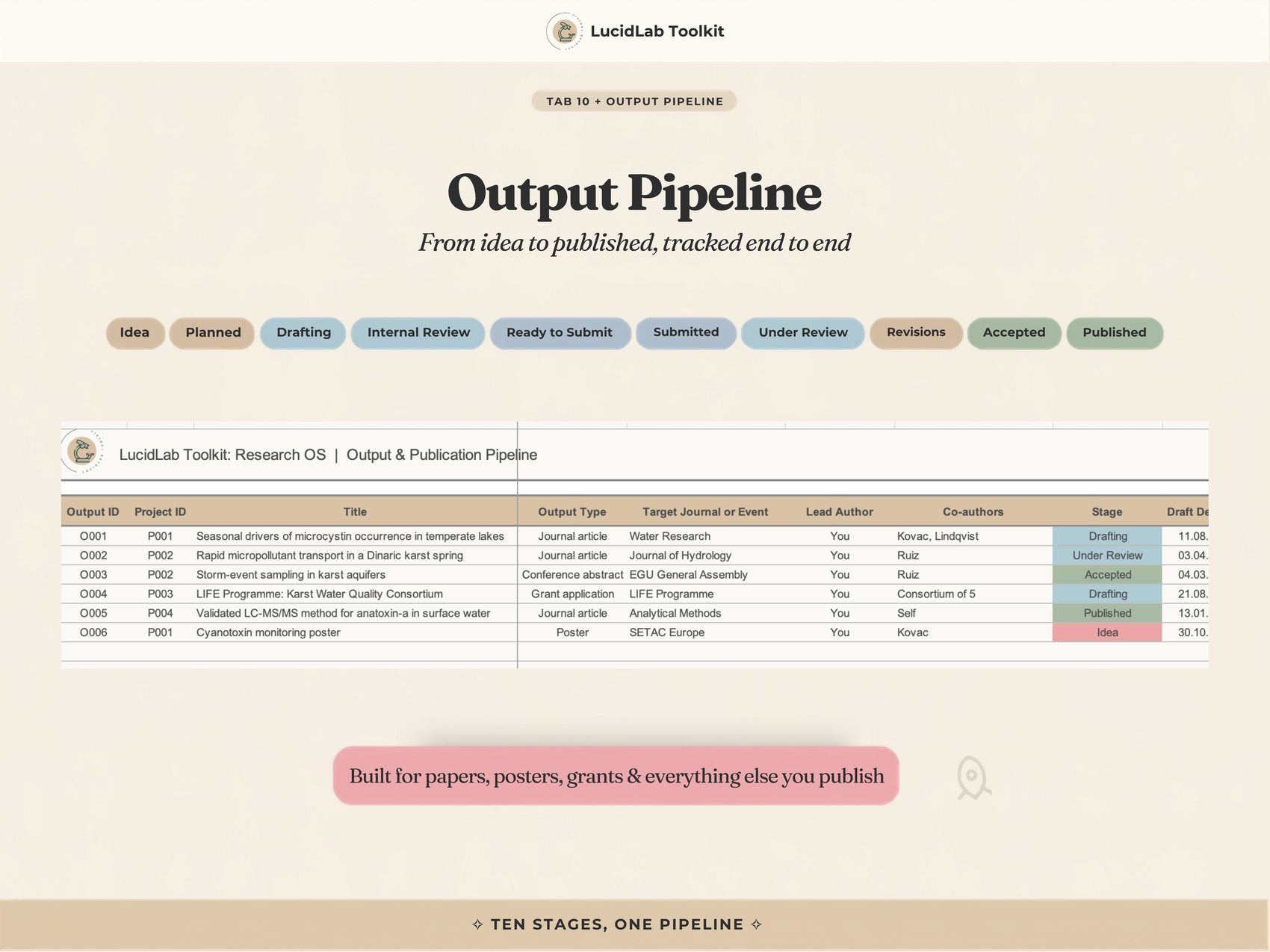
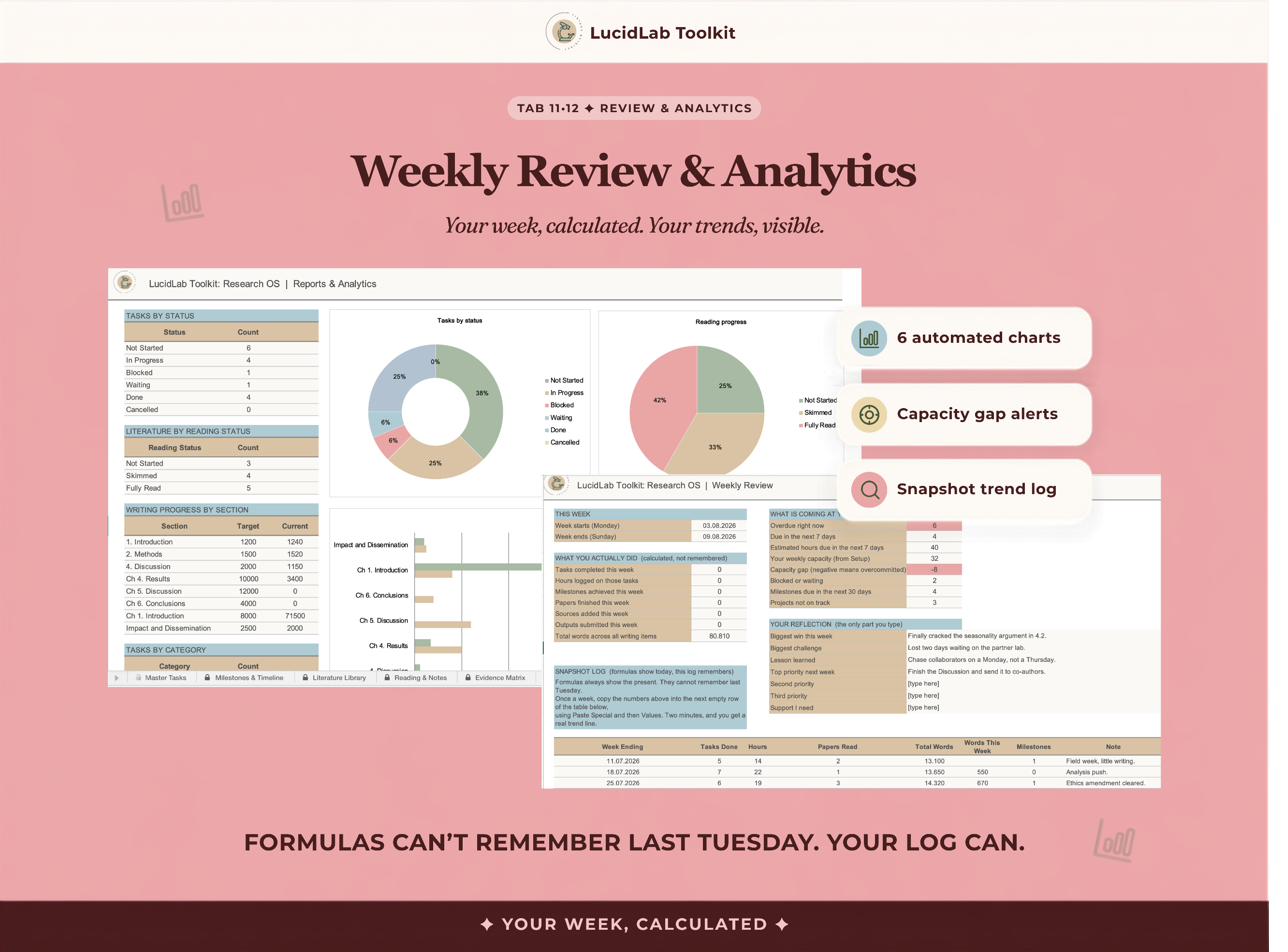
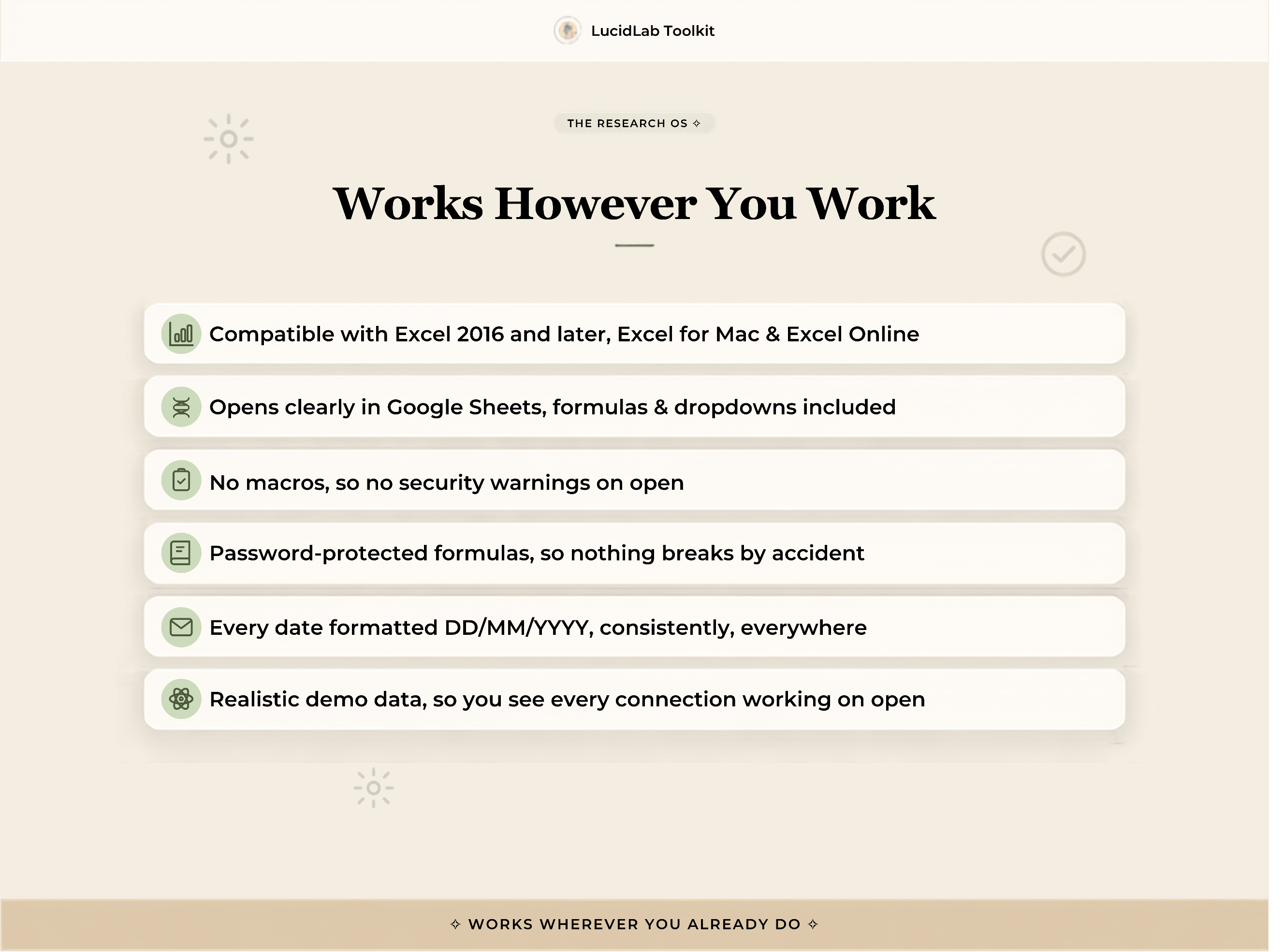
Realistic demo data across every sheet, so every connection is visible on first open, before you've typed anything of your own. No macros, no security warnings, formulas protected so nothing breaks by accident.
Not more features. One system instead of five.
Tap any image to view it full size. This is exactly what lands in your download.
€27.90
Pay once. Download instantly. Use it for every project you're running, indefinitely.
This is not another app added to the pile. It replaces the pile. If you are currently updating the same deadline in three places, that is the exact problem it solves.
Most of it, you never touch directly. Day to day you live in the Command Center and Master Tasks. The rest updates itself once your projects and tasks are entered. A five minute quick start gets you running, not a weekend of configuration.
You don't need to be. Every formula is pre-built, every status colours itself, and the workbook ships with realistic demo data so you can see it working before you type anything of your own. The Evidence Matrix tracks the sources that disagree with you too, not just the ones that make your argument easy, and you never have to build that logic yourself.
The entire premise is the opposite of one more thing. It is the thing that stops you maintaining five things by hand.
It absorbs what they do into one connected system. If you only need one piece, like literature tracking alone, the standalone trackers are still there as a lower-cost entry point.
A single Excel file (.xlsx), works in desktop Excel, Excel for Mac, Excel Online, and opens cleanly in Google Sheets, formulas and dropdowns included. No macros, no add-ons, no subscriptions.
That is the actual point of it. Enter as many active projects as you're running and the Command Center tracks all of them at once.
Sheets are protected to stop accidental edits to calculated cells, with the password lucidlab. Review, then Unprotect Sheet, and you have full access. Nothing is hidden and there are no macros.
Because this is a digital download you receive instantly, all sales are final. Purchases are for personal use only, no resale or redistribution.
This purchase is for individual use. If your lab or cohort wants to use it, reach out and we can discuss a group licence.
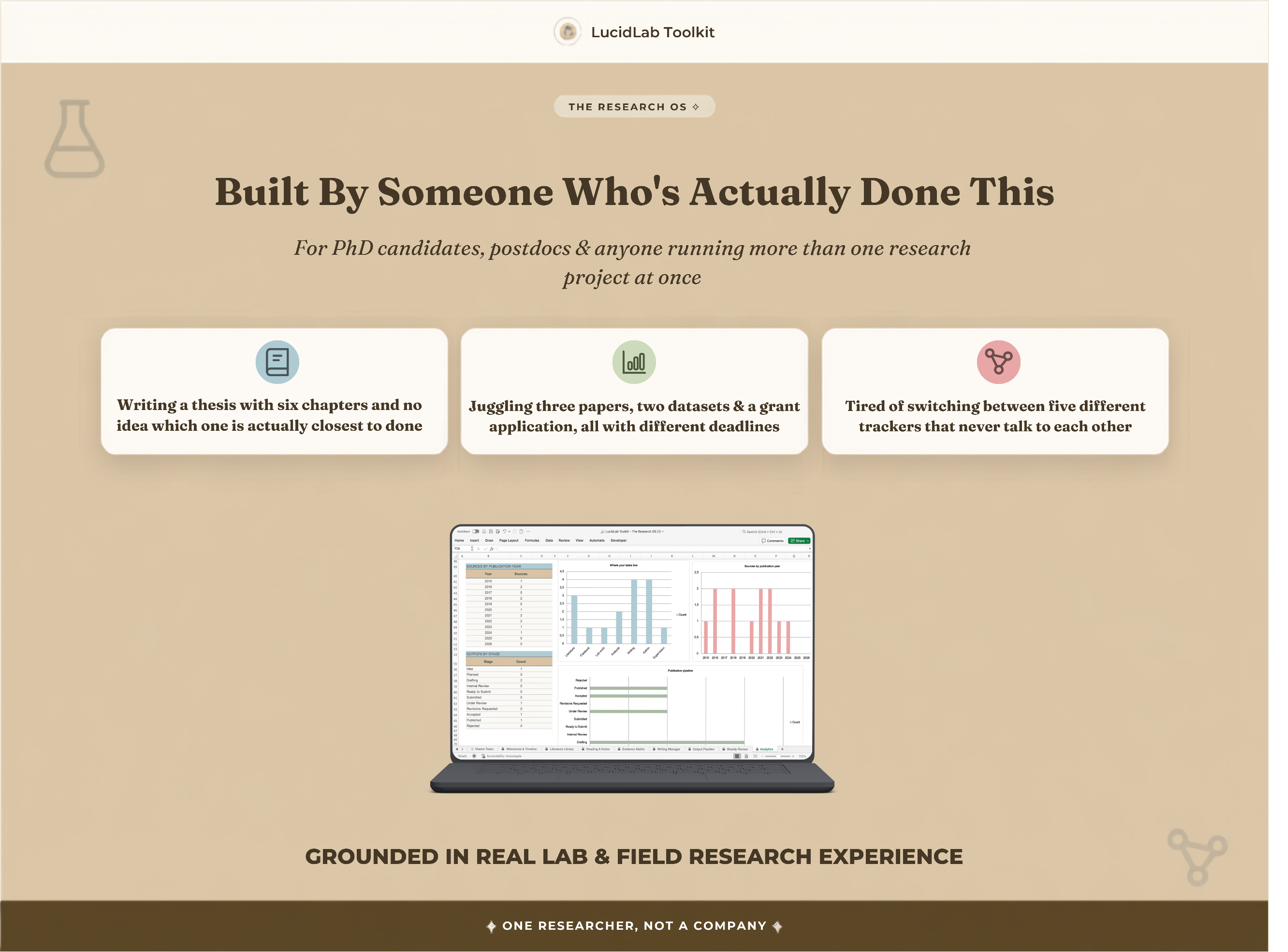
I'm a researcher who built LucidLab Toolkit because I lived through the exact chaos my customers describe: drowning in articles, rereading the same paper twice because I forgot I'd already opened it, and cobbling together spreadsheets that fell apart the moment my project grew.
The Research OS is the file I built once I got tired of maintaining five smaller ones side by side, a task list here, a reading log there, none of them talking to each other. Every template in the shop started as something I built for my own PhD workflow first, then refined for other researchers.
LucidLab Toolkit has helped 125+ students and researchers organize their research process, with buyers specifically noting it became part of their dissertation workflow.
My mission is simple: give people back the mental bandwidth that messy tracking systems steal. ✦
Thirteen connected sheets and one dashboard that's already populated before you've typed a single thing. One file, €27.90, yours indefinitely.